cloud based security

solution
Solution
Mobile Security is of Paramount Importance
Location Check
Receiving a phone call verification as fallback, prevent unauthorized access to mobile apps using your "location". PassBan starts your mobile app once your location matches where you want it to be.
For example, if you're at home/work/office/etc., the mobile app will launch. Otherwise, it will either not let you launch the app or it will revert to verifying you using another method. In this case, the location verification fails, and the user is called to make sure they have a specific phone (Call verification).
DemoFace, Voice, and Password
PassBan starts your mobile app once your face, voice and password verification is complete. You can also combine face and voice verification with other factors such as motion, location, token, wearable devices, etc.
DemoFinancial App Demo
This a sample financial app using mobile multi factor verificationPassBan API (RestFUL, JSON) can be used to rapidly multi-factor enable various applications.
In this example, a sample financial app web-site (fictitious 'Earn Bank') is used to demonstrate that the user log-in process can be easily use PassBan multi-factor verification to ensure user identity.
Demo
Previous
Next
NEws
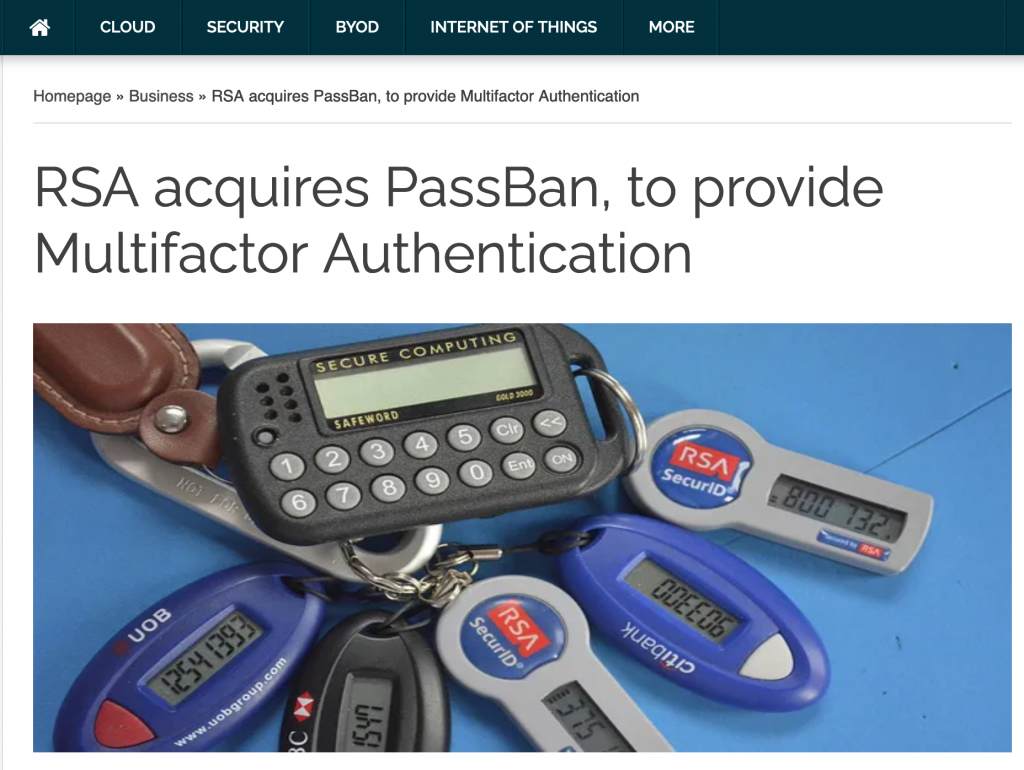
RSA was acquired by EMC in 2006. Passban took multi-auntentication to another level. At the time, most of the two factor authentication required a user to enter a password and a code or PIN. In PassBan, it could be your face, voice, location, token, motion or an on-demand OTP (One Time Password).